
Every great shot starts with hockey tape.
How to pick it, how to wrap it, and why every player has an opinion about it. For men, women and kids, from house league to the pros.
- Heel first. Anchor the roll on the back of the blade.
- Spiral to the toe. Overlap every pass. Keep it tight and flat.
- Wax it. Then play. Rub it matte so the ice stays off.
Four tapes. Four jobs.
Most players only think about the blade. A fully kitted stick and set of gear uses four kinds of tape, each made for something different.
-
Cloth tape
Blade
Woven cotton tape with a rubber adhesive. It protects the blade, softens the puck on your passes and gives you something to feel on the stickhandle.
-
Grip tape
Handle
A thicker, tacky tape for the top of the shaft. It keeps your top hand from slipping and builds up the knob.
-
Stick wax
Over the cloth
Rubbed over fresh cloth tape so snow and water bead off instead of soaking in. Waxed tape stays lighter and grips the puck longer.
-
Clear tape
Shin pads and socks
Thin, stretchy polyethylene tape that holds socks and shin pads in place without adding bulk.
How to tape a hockey stick, by position.
Your position shapes your tape job. Each tutorial takes you through the blade and the knob step by step, on a 3D stick you can turn all the way round.
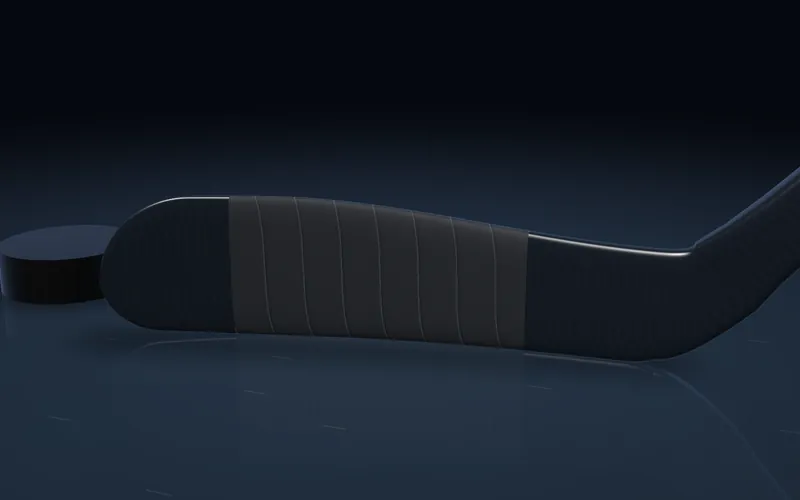 ForwardLight and quick for feel and dekes
 DefenceFull, heavy and built to block
 GoalieBlade, paddle and a big knob
Want every option? See every blade and knob style.
Taping is a ritual, too. Read the lore of the tape, from the pre-game tape job to the tape ball on every kid's shelf.

Try it before you rip it.
The Tape Lab lets you pick your stick, from today's Bauer, CCM and Warrior models to an old wooden Sher-Wood, then any colours, pattern and knob, and watch it go on in 3D. Copy a pro's tape job or wind a tape ball. Send it to a teammate with one link.
Open the Tape LabHockey tape questions, answered.
What is hockey tape?
Hockey tape is a woven cloth tape with a rubber-based adhesive, made for wrapping a hockey stick. On the blade it protects the stick, gives the puck something to grip and softens hard passes. On the handle it builds the knob that keeps the stick in your glove.
What width of hockey tape should I use?
The common widths are about 2.5 cm (1 inch) and 3.8 cm (1.5 inch). Most players tape the blade with 2.5 cm tape. The wider tape covers a goalie blade or builds a knob in fewer passes.
Black or white hockey tape: which is better?
Neither plays better; it comes down to preference. Some players believe black tape makes the puck harder for a goalie to pick up, while white tape shows puck marks and how the blade is wearing. In a 2025 NHL.com feature, goalies said they can tell many shooters apart by tape colour. Read the NHL.com feature.
How much tape does it take to tape a hockey stick blade?
A full blade job with 1 inch tape at about a third overlap takes roughly 3 metres, and closer to 4 metres at a half overlap. A goalie blade takes more. The Tape Lab estimates it for your exact width, overlap and coverage. Open the Tape Lab.
How often should I re-tape my hockey stick?
Re-tape when the tape frays, peels at the toe or stays soaked. Many players put fresh tape on before every game so the blade always feels the same; others go several skates between tape jobs.
Do I need stick wax?
Wax is optional. Rubbed into cloth tape it keeps water and snow out, so the blade stays lighter and the tape lasts longer. It is most useful on wet ice and outdoor rinks.
What is the difference between grip tape and cloth tape?
Cloth tape is thin and goes on the blade and the knob. Grip tape is thicker and tacky, and goes on the upper shaft so your top hand does not slip.
Should I tape heel to toe or toe to heel?
Both work. Heel to toe is the most common way to learn. The direction changes which way the overlapping edges face, and some players feel that changes how the puck comes off the blade.
Is there a rule about hockey tape?
In the NHL, a goalie stick must have a knob of white tape (or other approved material) at least half an inch thick at the top of the shaft, under rule 10.2. Players can choose their own tape colours.
Go deeper.
Fast at the rink.
Arena Wi-Fi is famous for a reason. This site is built to load instantly on a phone with one bar. These are the numbers from your visit, measured by your own browser.
How this site is built- First byte
- … ms
- First paint
- … ms
- Largest paint
- … ms
- Layout shift
- …
- Transferred
- … KB
- Long tasks
- …
Measured on this device with the browser Performance API. A dash means your browser does not report that measurement.